Voice Lessons
Build healthy technique and confidence while singing music you love.
View Voice LessonsPersonalized, one-on-one instruction designed around each student’s experience, musical interests, and goals. Choose a free trial or enroll directly in weekly lessons.
Share your contact information and our lessons team will follow up about goals, availability, and next steps.
Your information is sent securely to Golden Hour Sound & Studios and used only to respond to your lesson inquiry.
Start with the area that fits the student’s interests. Each lesson path includes individualized guidance, clear next steps, and room to grow.
Build healthy technique and confidence while singing music you love.
View Voice LessonsLearn chords, technique, and songs across acoustic and electric styles.
View Guitar LessonsDevelop groove, timing, and fingerboard fluency that anchors a band.
View Bass LessonsBuild chords, rhythm, and confidence with one-on-one ukulele instruction.
View Ukulele LessonsTurn ideas into finished tracks while learning your DAW and workflow.
View Production LessonsLearn beatmatching, mixing, and reading a crowd on modern DJ gear.
View DJ LessonsYour first trial lesson is free. After that, weekly lessons are billed monthly in advance for four lessons.
| Plan | 30 Minutes | 60 Minutes |
|---|---|---|
| Weekly lessons Billed monthly in advance (4 lessons) | $149 / month $37.25 per lesson | $289 / month $72.25 per lesson |
| Extra lessons For current students | $37.25 per lesson | $72.25 per lesson |
| Single lessons No membership | $45 per lesson | $85 per lesson |
In 5-week months, the 5th lesson is billed at the same per-lesson rate.
Ready to enroll? Choose a weekly lesson membership without taking a trial first.
We’re expanding our lesson offerings. Join the waitlist to be the first to know when these open.
One-on-one piano and keyboard lessons are coming soon.
Join the waitlistOne-on-one drum lessons are coming soon.
Join the waitlistLessons are just the beginning. Students step into an active music community — on the stage, in the room, and beyond the practice.
Live shows around the Bay Area.
Group workshops and songwriting retreats — students receive 10% off.
Be the first to know when the Golden Hour Sound & Studios community opens.
Pick the lesson type that fits you — voice, guitar, bass, production, or DJ — and sign up with the instructor matched to your goals. Your free trial confirms the fit before you commit to a full schedule.
Pick the area that best matches the student’s interests.
Share their experience, goals, and how to reach you.
We follow up to coordinate a lesson and get started.
Lessons Team
Here's who teaches at Golden Hour Sound & Studios. Book a free trial and we'll match you with the right instructor for your goals.
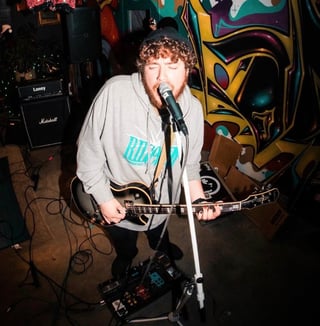
Alejandro teaches guitar and voice, drawing on years of performing around the Bay Area.
View Full Bio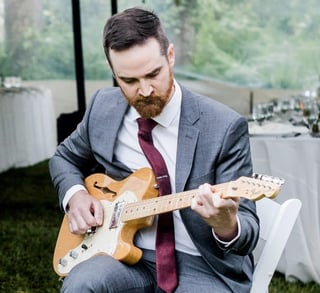
Chris teaches guitar and bass, helping students build confidence through practical routines informed by his stage and studio experience.
View Full Bio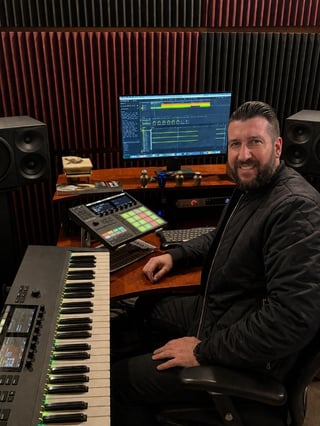
David teaches music production and beatmaking, guiding students from their first idea to a finished mix.
View Full Bio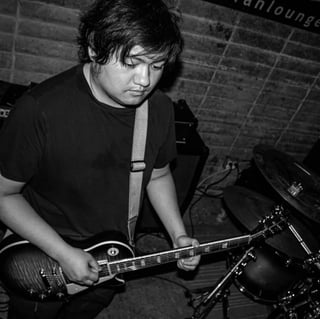
Aethan teaches guitar and ukulele, helping students find their sound while building tone and technique.
View Full Bio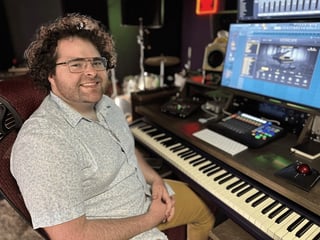
Tomas teaches music production, beatmaking, and sound design in FL Studio.
View Full Bio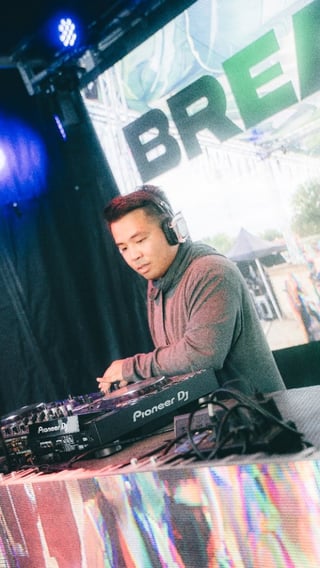
Brandon teaches DJ skills and music production in Ableton.
View Full BioLog in to view your schedule, invoices, and account.