
Alejandro Amezquita
Alejandro teaches guitar and voice, drawing on years of performing around the Bay Area.
View Full BioSimple weekly lesson memberships with clear monthly pricing. Start with a free trial lesson, then continue with weekly lessons billed monthly in advance. A lesson membership covers your weekly lessons — it does not enroll you in the future Golden Hour Collective, which is a separate community membership that is not open yet.
Memberships
Weekly lesson memberships keep your learning consistent. Start with a free trial lesson, then continue weekly with simple monthly billing.
Consistent, one-on-one instruction
Flexible extra lessons
More ways to grow
Ready to enroll? Choose a weekly lesson membership without taking a trial first. Questions before you enroll? Contact us.
| Weekly Lessons | 30 Minutes | 60 Minutes |
|---|---|---|
| Billed monthly (4 lessons) | $149 / month | $289 / month |
| Extra lessons (current students) | $37.25 each | $72.25 each |
| Single lessons (no membership) | $45 each | $85 each |
Your first trial lesson is free. In 5-week months, the 5th lesson is billed at the same per-lesson rate.
What your membership covers
A Golden Hour membership today is a lesson membership: it covers your weekly one-on-one lessons, your student perks, and the lesson pricing shown above.
It does not enroll you in the future Golden Hour Collective. The Collective is a separate, community-only membership that is not open for enrollment yet — you can join its waitlist below.
The Golden Hour Collective is our future community membership — a community-only membership for artists and students to connect, collaborate, and grow together.
The Collective is not open for enrollment yet, and it is separate from lesson memberships. Join the waitlist and we'll let you know as soon as it launches.
Community-only waitlist. This is not a lesson membership and not a paid enrollment.
Every membership is built around your weekly lessons, with clear pricing and student perks.
30 or 60 minute lessons with your teacher, billed monthly in advance for four lessons.
Current students can add extra lessons at the per-lesson rate — 30 min $37.25 / 60 min $72.25.
Students receive 10% off ticketed workshops and retreats, booked through Eventbrite.
Stay connected through Golden Hour shows, workshops, and community gatherings around the Bay Area.
Your Instructors
Your weekly lessons are taught by our Lessons Team. Here's the full roster, with each instructor's specialties.
Alejandro teaches guitar and voice, drawing on years of performing around the Bay Area.
View Full Bio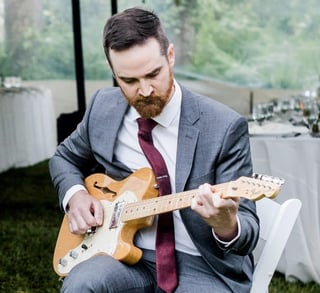
Chris teaches guitar and bass, helping students build confidence through practical routines informed by his stage and studio experience.
View Full Bio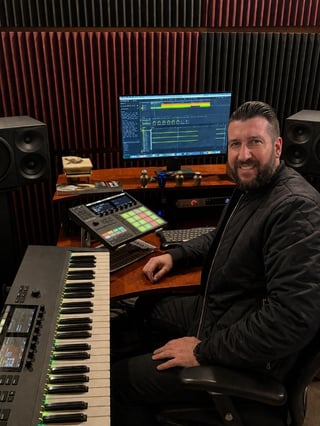
David teaches music production and beatmaking, guiding students from their first idea to a finished mix.
View Full Bio
Aethan teaches guitar and ukulele, helping students find their sound while building tone and technique.
View Full Bio
Tomas teaches music production, beatmaking, and sound design in FL Studio.
View Full Bio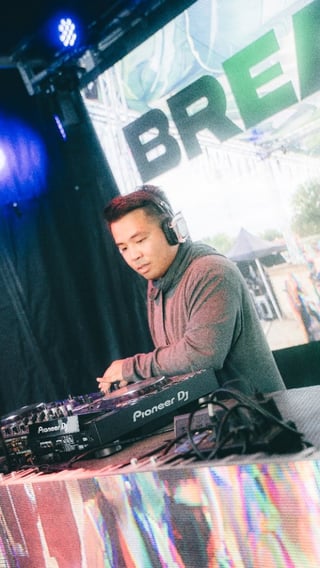
Brandon teaches DJ skills and music production in Ableton.
View Full BioYes! You can update your membership at any time. Changes will take effect at the start of your next billing cycle. Contact us if you need help making changes to your membership.
Your lesson membership is built around weekly one-on-one lessons — 30 or 60 minutes, billed monthly in advance for four lessons. Current students can also add extra lessons at the per-lesson rate, and students receive 10% off ticketed workshops and retreats. It does not enroll you in the future Golden Hour Collective, which is a separate, community-only membership that is not open yet.
Enroll anytime at our lesson membership sign-up, or book a free trial lesson first. A lesson membership is separate from the future Golden Hour Collective — joining one does not enroll you in the other. Questions? Contact us.
Yes, you can cancel your membership at any time. Your access will continue until the end of your current billing period. No long-term commitments required.
Your first trial lesson is free. It's a chance to meet an instructor, talk through your goals, and see how a lesson feels before you commit to a weekly membership.
Still have questions?
Contact Us